You asked. We made it happen.
A little thanks.
A big moment.
Send a tip during your video call. You both see it.

How it works
When Tip becomes available during your call…
 1Tap Tip
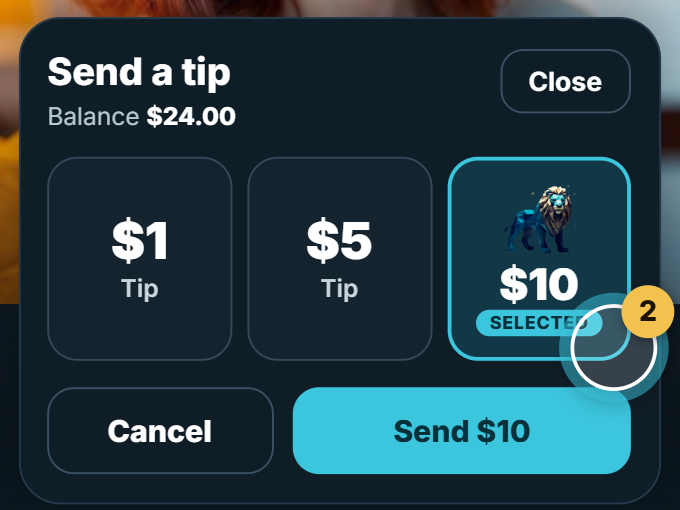 2Choose $1, $5 or $10 LionChoosing doesn’t send.
- Send $10
 3Tap Send. You both see it.
 $1Tip
- $5Tip
 $10Lion
One thank-you. Both screens.
Demo — no paymentChoose an amount. Choosing doesn’t send.
1.8.5+
Using the app? Update to 1.8.5 or later.
Everyone in the call who uses the RACF app needs version 1.8.5 or later. If one person’s app is older, or its version can’t be identified, Tip isn’t available for that call, even if the other person is on the website.
WebsiteNo update needed
iPhone app
Android app
Tips are optional. Check your amount before you tap Send.
 Active Silver
